PicXpress
Send Photos Faster
Compress and send photos faster via iMessage even when your internet is slow.

Send Photos Faster
Compress and send photos faster via iMessage even when your internet is slow.
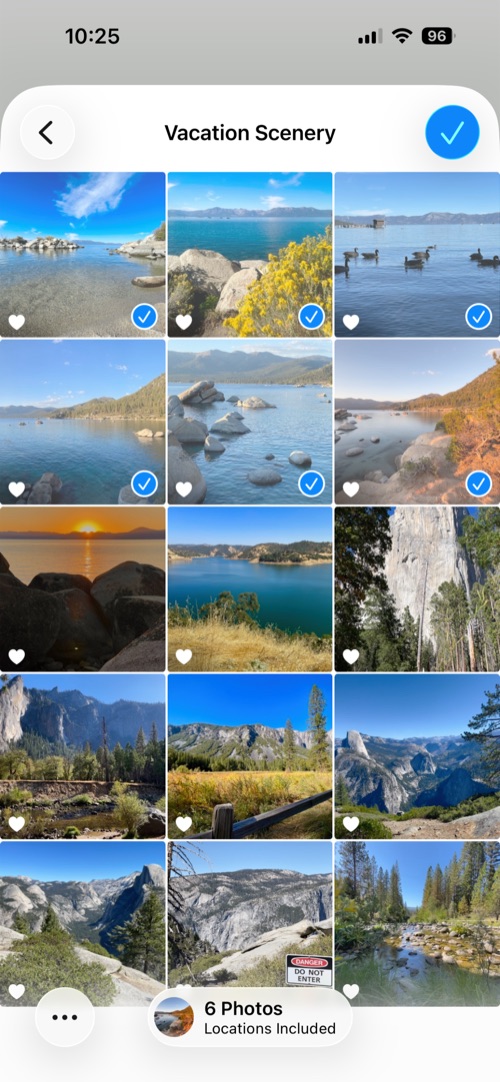
Select, compress, and send photos in seconds.

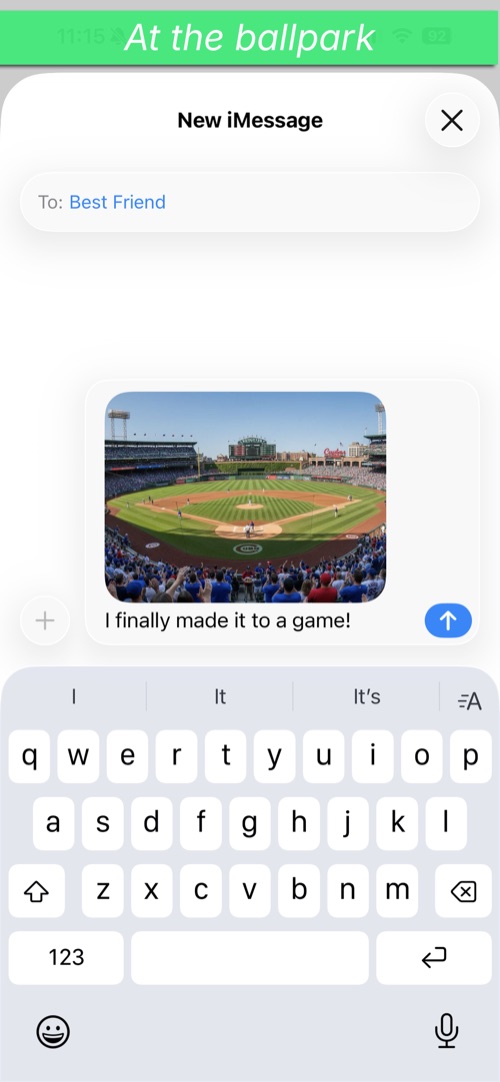
Everything you need to share photos quickly, nothing you don't.
Free users can send 3 photos at once. Upgrade to Pro to send up to 10 in a single message.
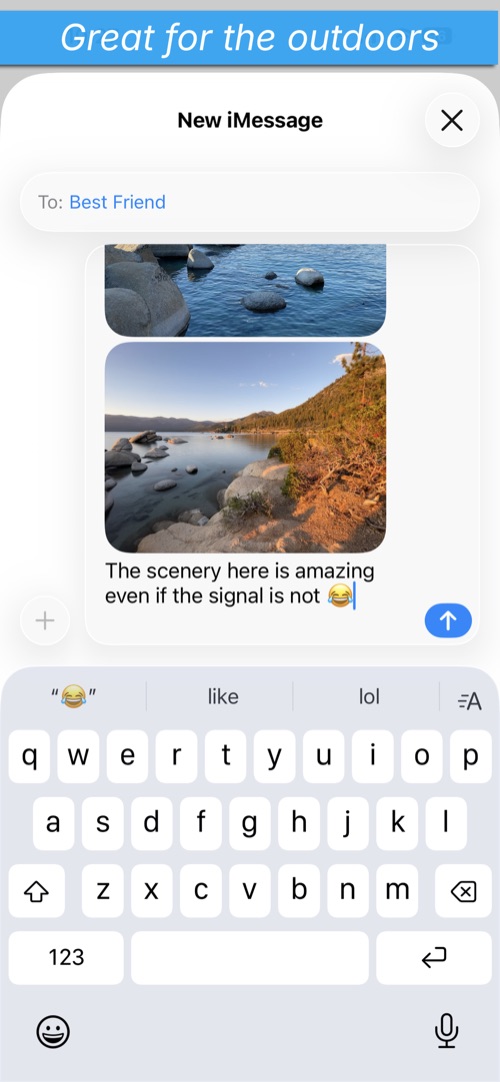
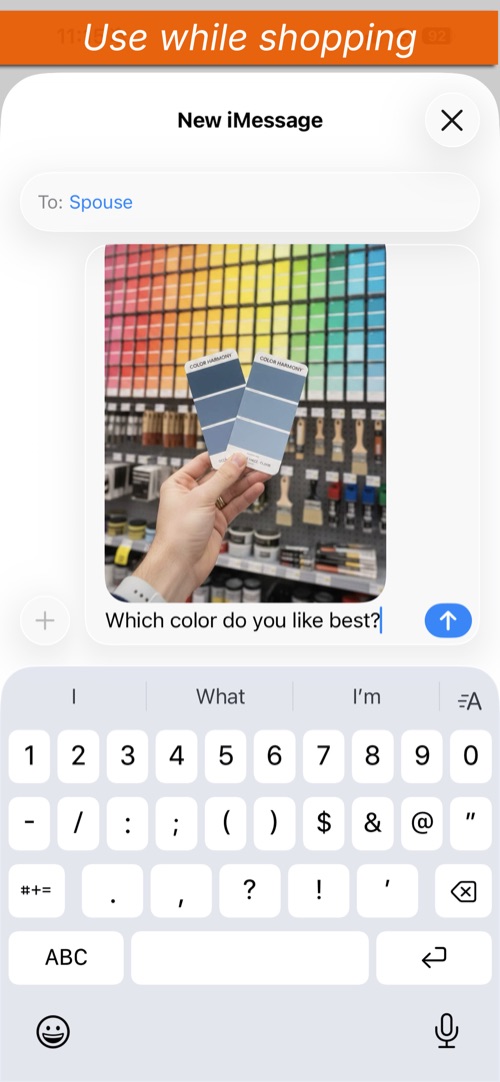
Compressed photos attach directly to a new iMessage, ready to send.
Your original photos are never modified. Compression creates separate copies.
Select photos and send — no settings to fiddle with, no extra steps.
Free to download. One-time upgrade for power users — no subscription ever.
Three simple steps to share your photos.
Choose your photos.
→Photos are automatically compressed to a smaller size.
→An iMessage draft opens with your photos attached and ready to go.
Common questions about PicXpress.
Yes. The free tier lets you compress and send up to 3 photos at once with no time limits or subscriptions. A one-time Pro upgrade ($2.99) unlocks up to 10 photos per batch, compression presets, and detailed savings history.
Pro gives you up to 10 photos per batch, compression presets (Small, Medium, and Large), and a detailed savings history showing count, ratio, and timestamp for each session. It's a one-time purchase — no subscription, ever.
Yes. If you purchased PicXpress before the freemium update, Pro is automatically unlocked for you at no extra cost. Just open the app and Pro will already be active.
Have you ever been in a big metal building trying to send photos and they are taking forever to go through? Or maybe you are in a rural area with a weak signal? PicXpress aims to solve that issue by sending images quicker.
PicXpress compresses your photos to a smaller file size so they can be sent quickly over slow internet connections via iMessage.
No. PicXpress creates compressed copies of your photos. Your originals in the Photos library remain completely untouched.
You can select and compress up to 10 photos at a time.
PicXpress requires iOS 17.0 or later.
Your privacy is simple: we don't collect anything.